Image-to-Video Tips: Turn Static Frames Into Better Motion Clips
Learn how to prepare source images and motion prompts so image-to-video generations feel more intentional and cinematic.
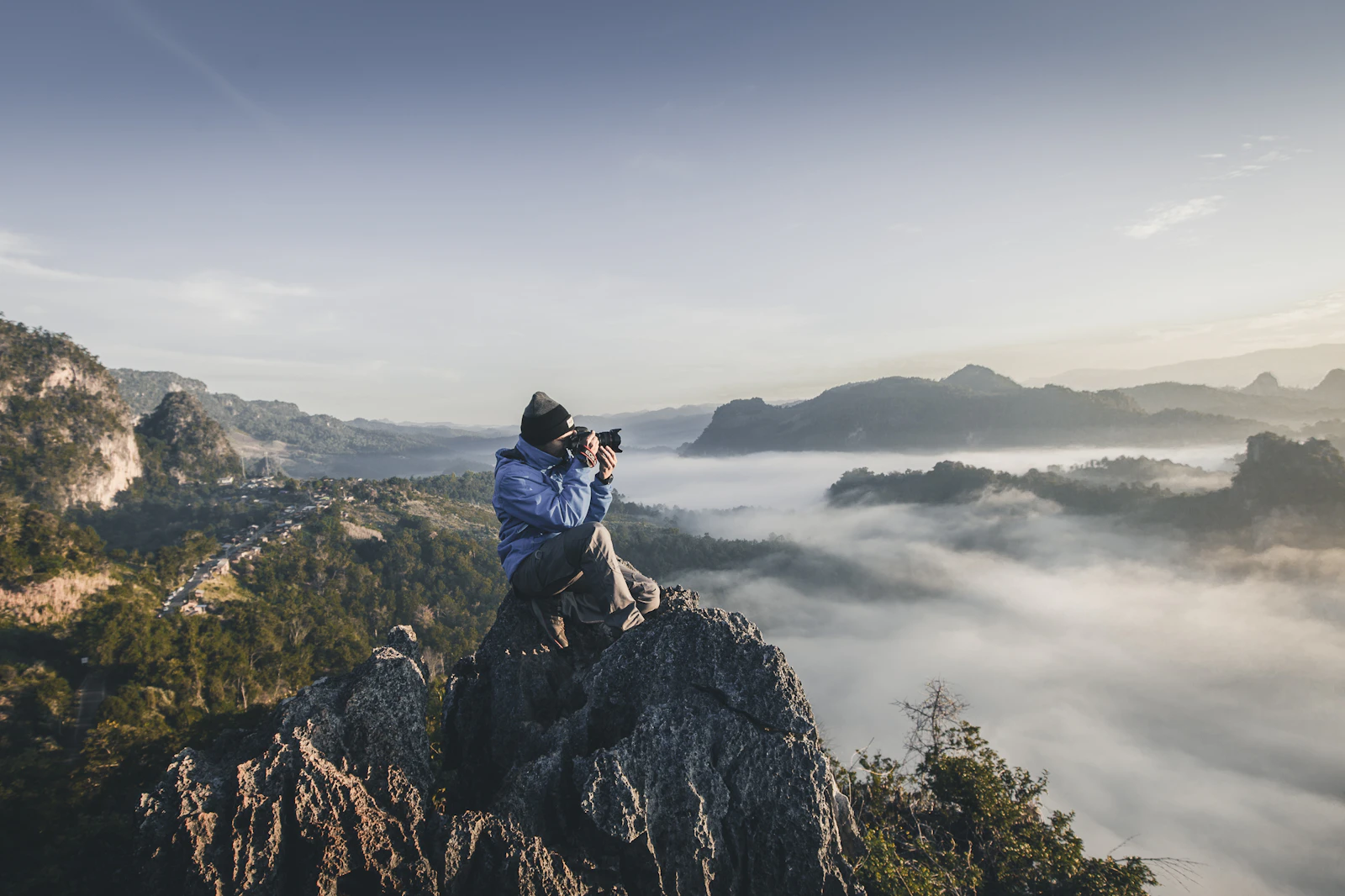
Pick a frame with clear focal hierarchy
The best source images usually have a strong subject, readable background depth, and enough negative space for motion to expand naturally.
Prompt the motion, not the still image
Your image already describes the scene. In the motion prompt, focus on movement, pacing, and camera behavior such as “slow push-in,” “wind through hair,” or “subtle parallax background motion.”
Keep early clips short
Shorter durations are useful for testing. Once the direction looks right, expand duration or try adjacent aspect ratios to fit different placements.
- Use a clean hero frame
- Describe motion clearly
- Test short before going longer
You may also like

How To Write Better Text-to-Image Prompts For Consistent Results
A practical framework for writing cleaner prompts that produce more stable image results across different models.

Product Update: Faster Inspiration, Better Reuse, Cleaner Workflows
A quick look at the latest workflow improvements across inspiration cards, reusable templates, and generation pages.

AI Visual Trends To Watch This Season
From polished lifestyle portraiture to cinematic product loops, these are the visual directions showing up most often in creative workflows.

A Simple Workflow For Reusing Templates Across Image And Video
A lightweight workflow for turning one good template into multiple image and video outputs without rebuilding everything from scratch.